
Coming soon
Everything your switchboard does
Everything a small business needs to talk to customers and to each other, in one app, grouped by what your business does. Kewbee is not open for sign-ups yet. Features marked Coming soon are still being built; everything else is already built.
Phone, numbers and call routing
Answer the phone as a team, not as one person with a mobile.
Your business numbers
Bring the phone numbers and the calling and texting provider you already have, or set up new ones. Their call and text charges are paid to them, so nothing is hidden in our price.
Call routing
Ring a person, a team or a ring group. Set business hours and after-hours rules, and use on-call rosters so customer calls reach whoever is working.
Phone menus (IVR)
Greet callers and let them press a key to reach sales, support or a voicemail box.
Call queues and wallboard
Callers wait in line for the next free person, hear your announcements, and a live wallboard shows who is waiting. Depends on your plan.
Voicemail with transcripts
Every voicemail lands in the inbox with a written transcript and a short summary, so you can see what it is about before you press play.
Answer from anywhere
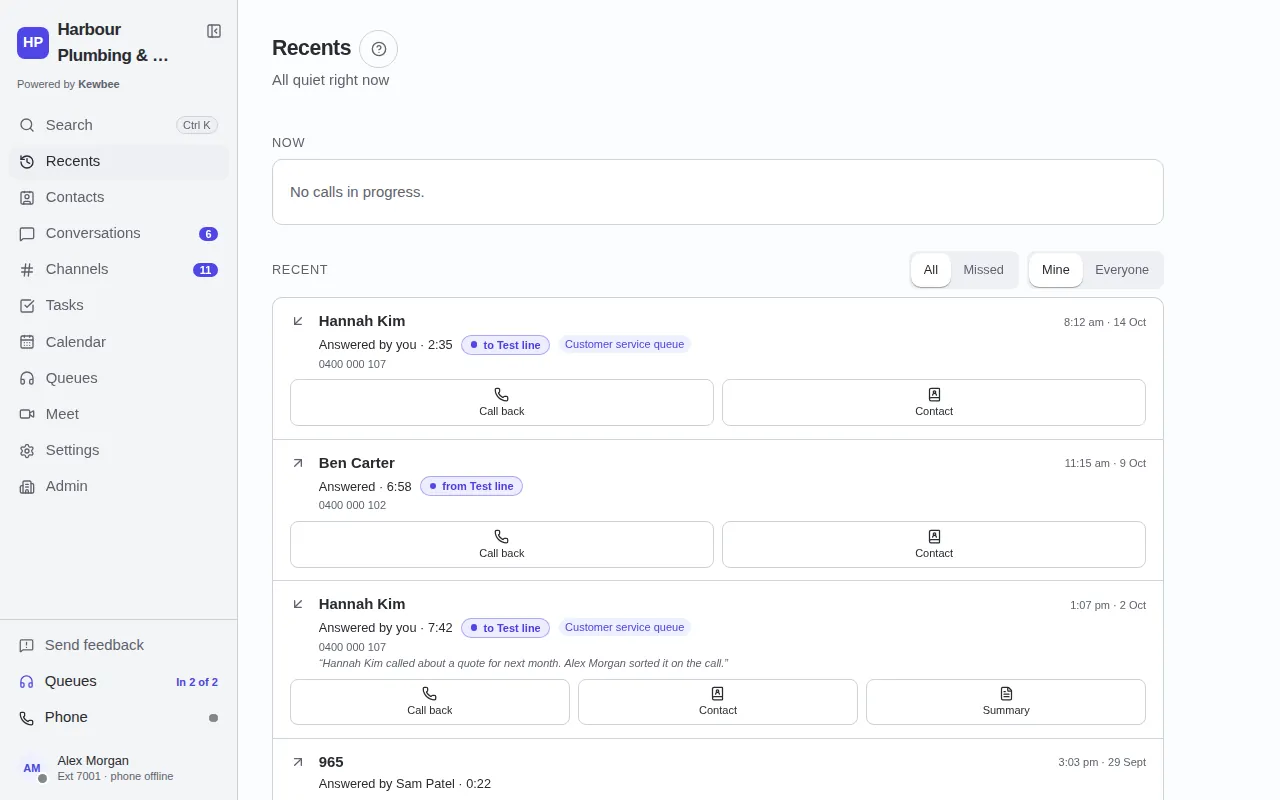
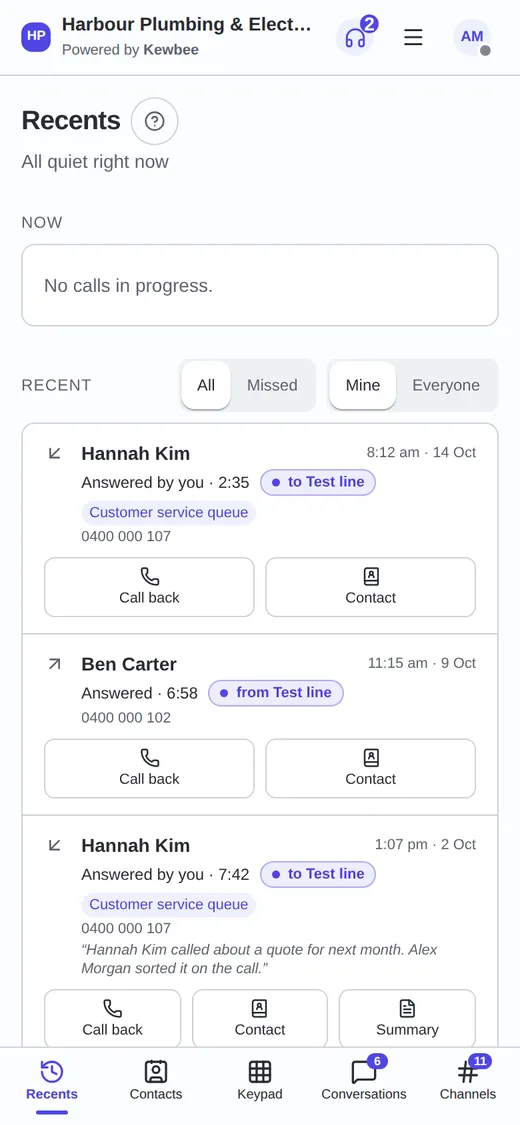
Answer in the browser, in the Android app or on a desk phone. Transfer, put on hold, and call customers back from the number they know.
Team inbox: texts, web chat and email
Every customer becomes one conversation the whole team can see, pick up and finish.
Texts and pictures
Text customers from your business number. Photos and files go as MMS on the numbers that accept them.
Website chat
A chat box on your website. Visitors become contacts, and their chats arrive in the same inbox as calls and texts.
One conversation per customer
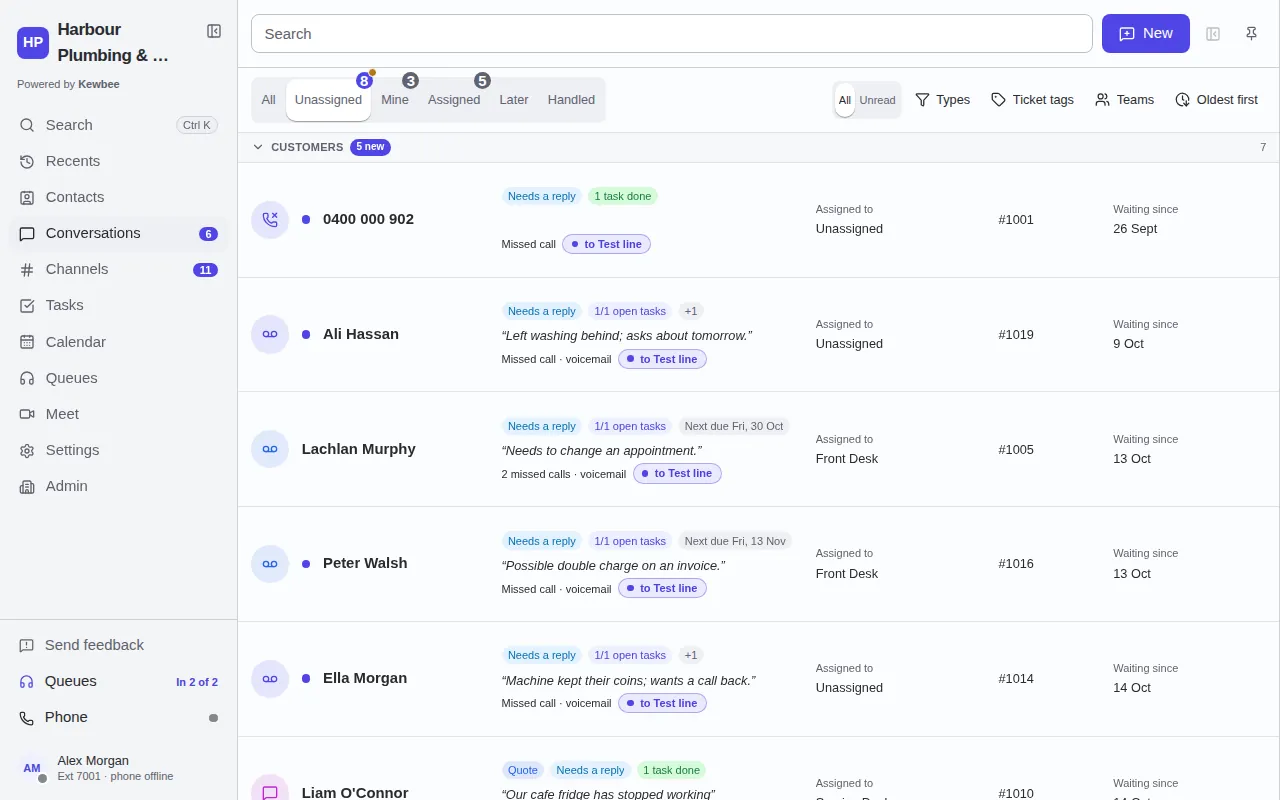
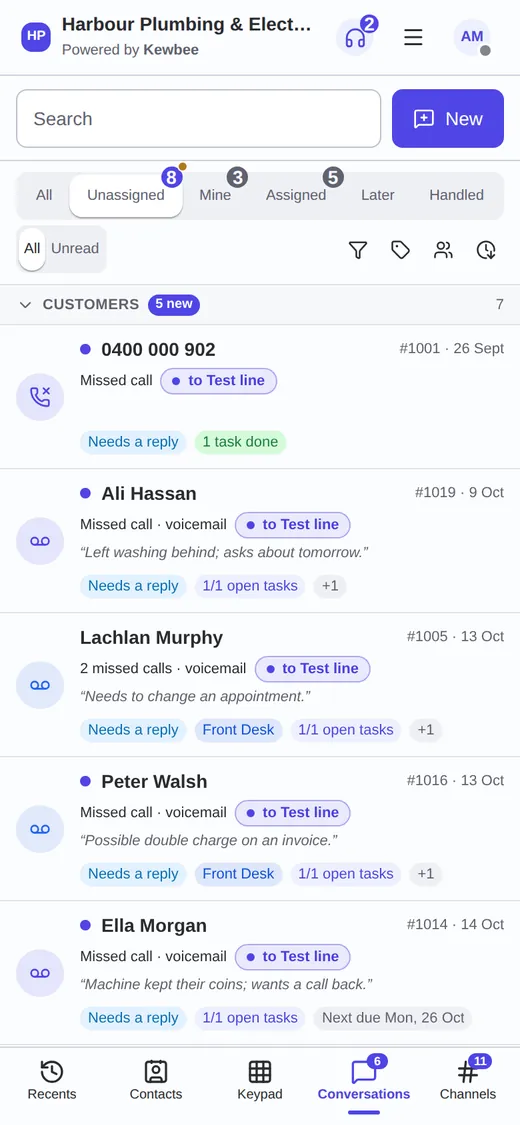
Calls, texts, chats, voicemail and notes stay together as numbered tickets, with the customer's history one tap away.
Nobody answers twice
If a colleague replies while you are typing, Kewbee holds your message, shows what they said, and lets you edit it, drop it or send it anyway.
Team chat and channels
Message colleagues, make channels for jobs or teams, share files, and keep private chats private.
Customer email in the shared inbox Coming soon
Shared mailboxes, numbered tickets and replies from your own address, next to texts and chats.
Contacts, follow-ups, tickets and jobs
Turn a call or a message into work with an owner and a due date.
Shared contacts
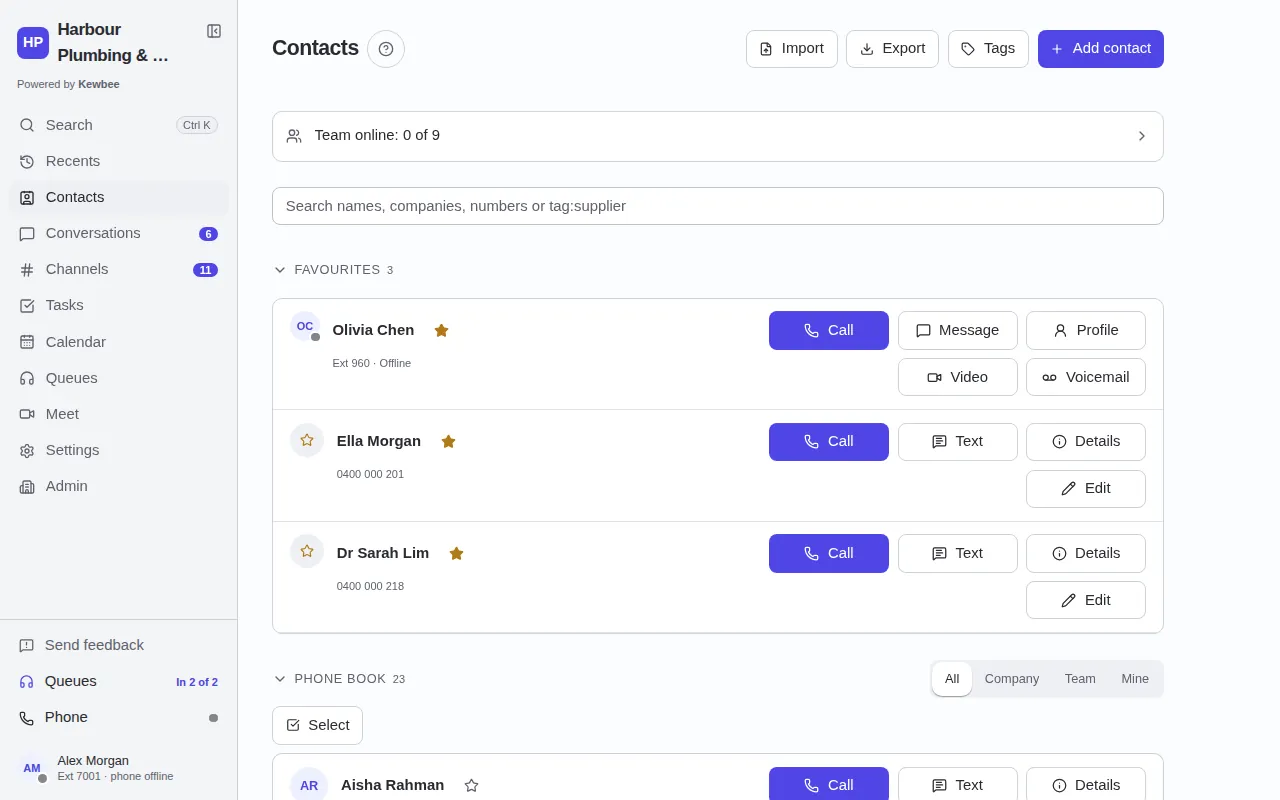
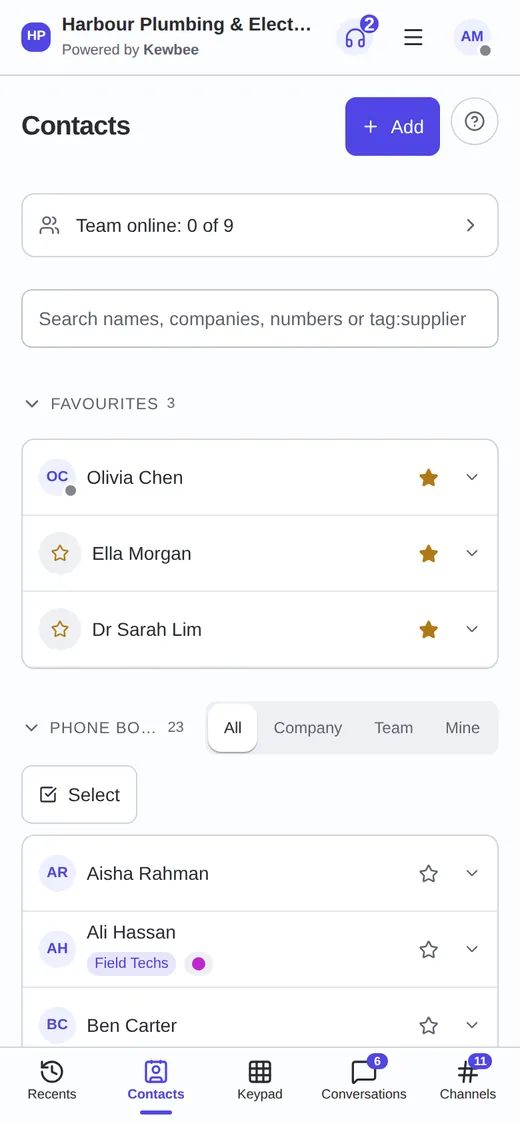
One phone book with notes, history and linked records, so whoever picks up knows who is calling.
Tickets and follow-ups
Every request is a numbered ticket that needs a reply or is handled. Assign it, hand it over, snooze it, tag it.
Tasks and calendar
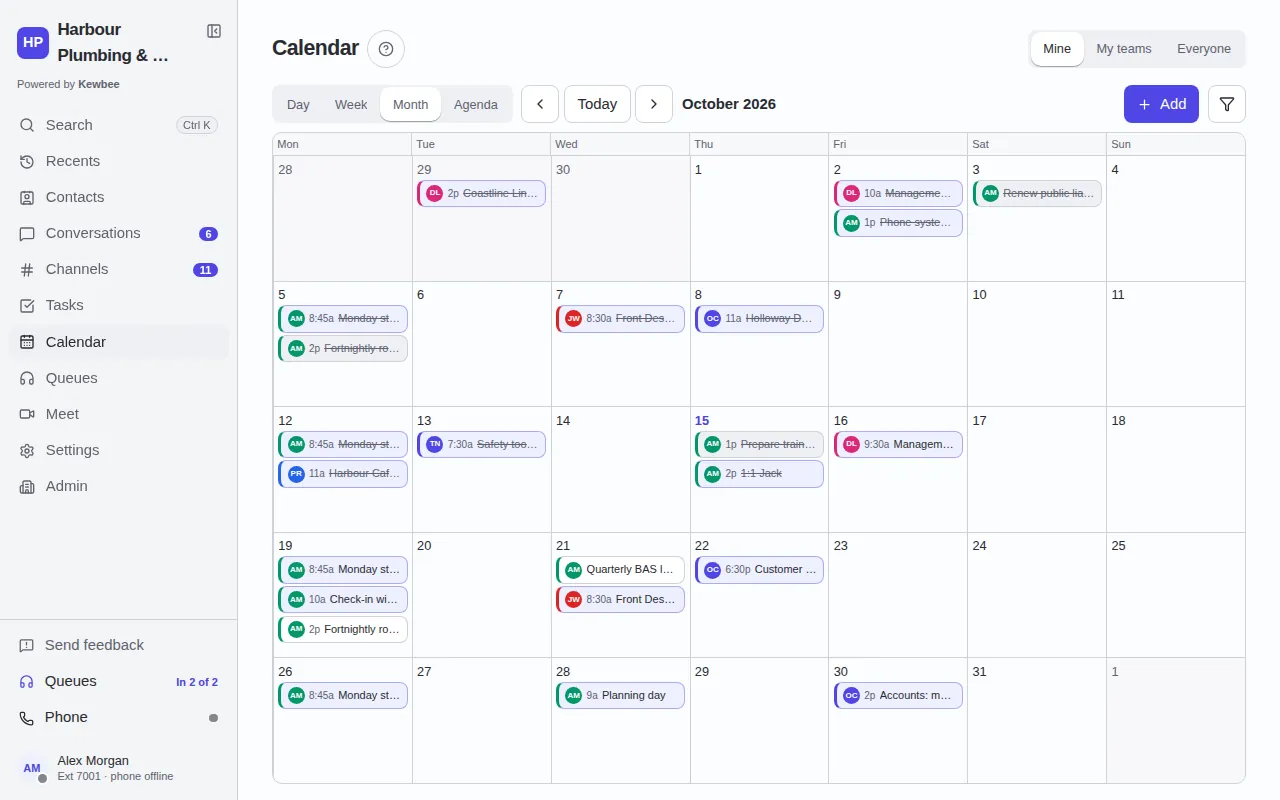
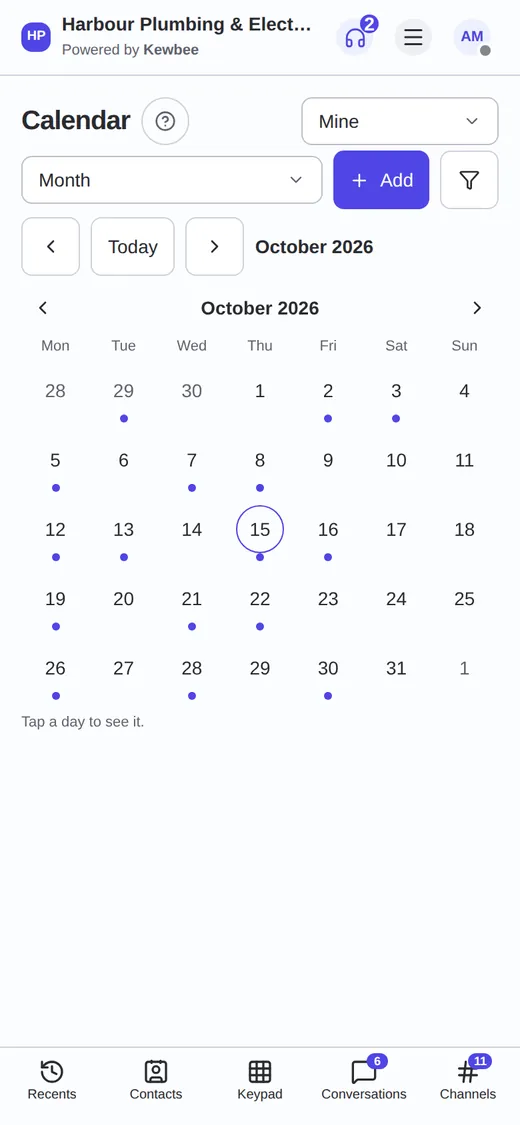
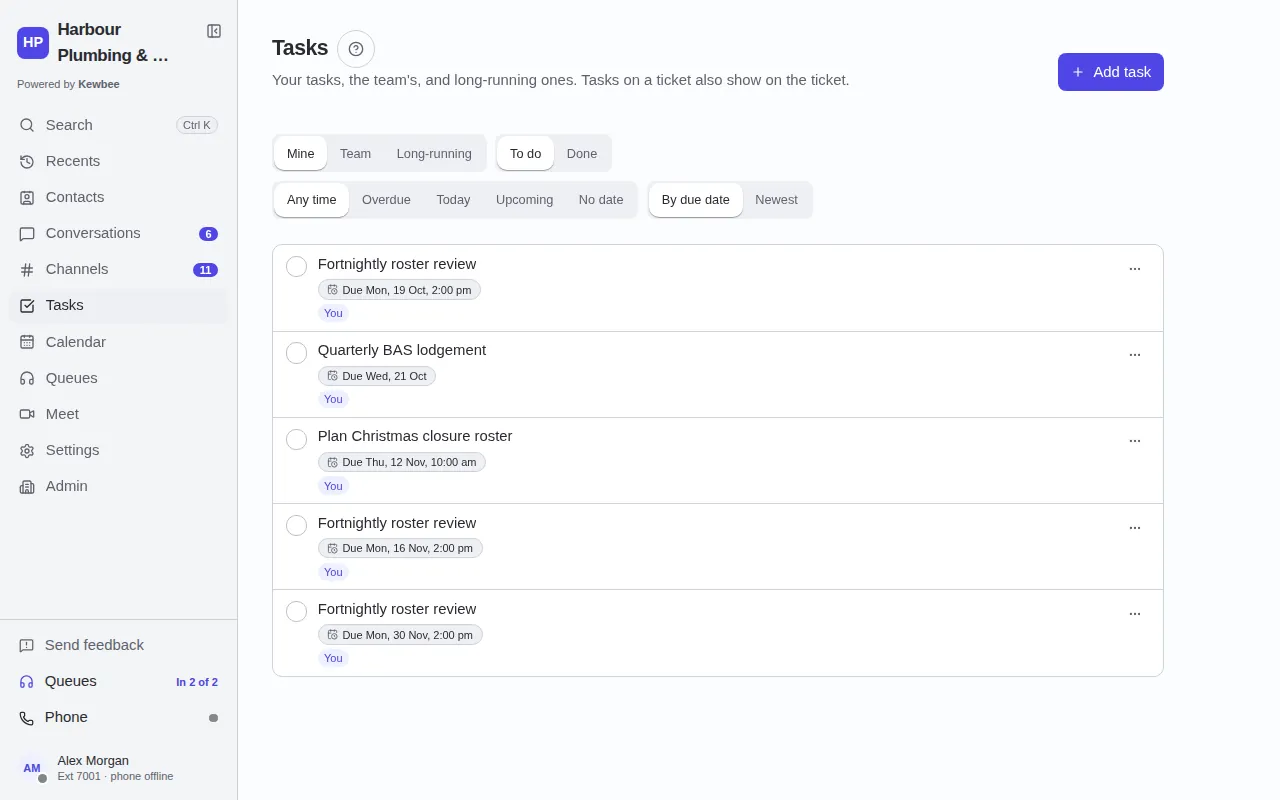
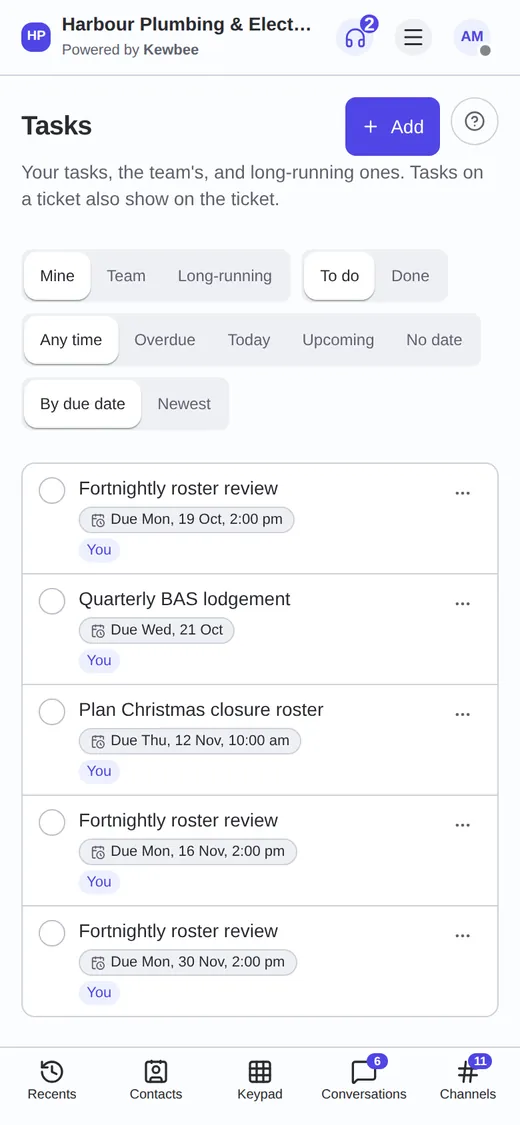
Add tasks to a ticket with an owner and a due date. Tasks, meetings and on-call shifts show on a shared calendar.
Job templates
Ask every customer the same questions, save the answers as a tidy job card, and send the details to a subcontractor or a channel.
Knowledge base
Answers to common questions, with shareable links. It is also what the assistant draws on.
Video meetings
Start a meeting from a chat in one tap. Guests join from a link.
AI that stays on our own servers
Help with the typing and the reading. You stay in charge of what gets sent.
Call and voicemail summaries
A short written summary of a voicemail or a call, so a handover takes seconds.
Conversation summaries
Catch up on a long thread with a short summary before you reply.
Suggested replies
Kewbee drafts a reply from the conversation. It is only a draft: you edit it and you press send.
Spelling and grammar
Spelling and grammar checks as you write, in messages and replies.
Knowledge-base assistant
Answers questions from your own documents and shows its sources.
Private by design
The AI runs on our own servers. Your customers' words are not sent to outside AI services.
Integrations
Connect the tools you already use.
Website chat widget
Add the chat box to your website with one snippet.
Incoming webhooks
Post into a channel from other tools with a secret web address. Slack-style incoming webhooks work by changing the URL.
Job details to other systems
Send the details of a job to another system over a signed web address.
Gmail and Microsoft mailboxes (IMAP) Coming soon
Connect a Gmail or Microsoft mailbox so its email arrives in the shared inbox.
Admin and security
You decide who can see and do what.
Roles, seats and teams
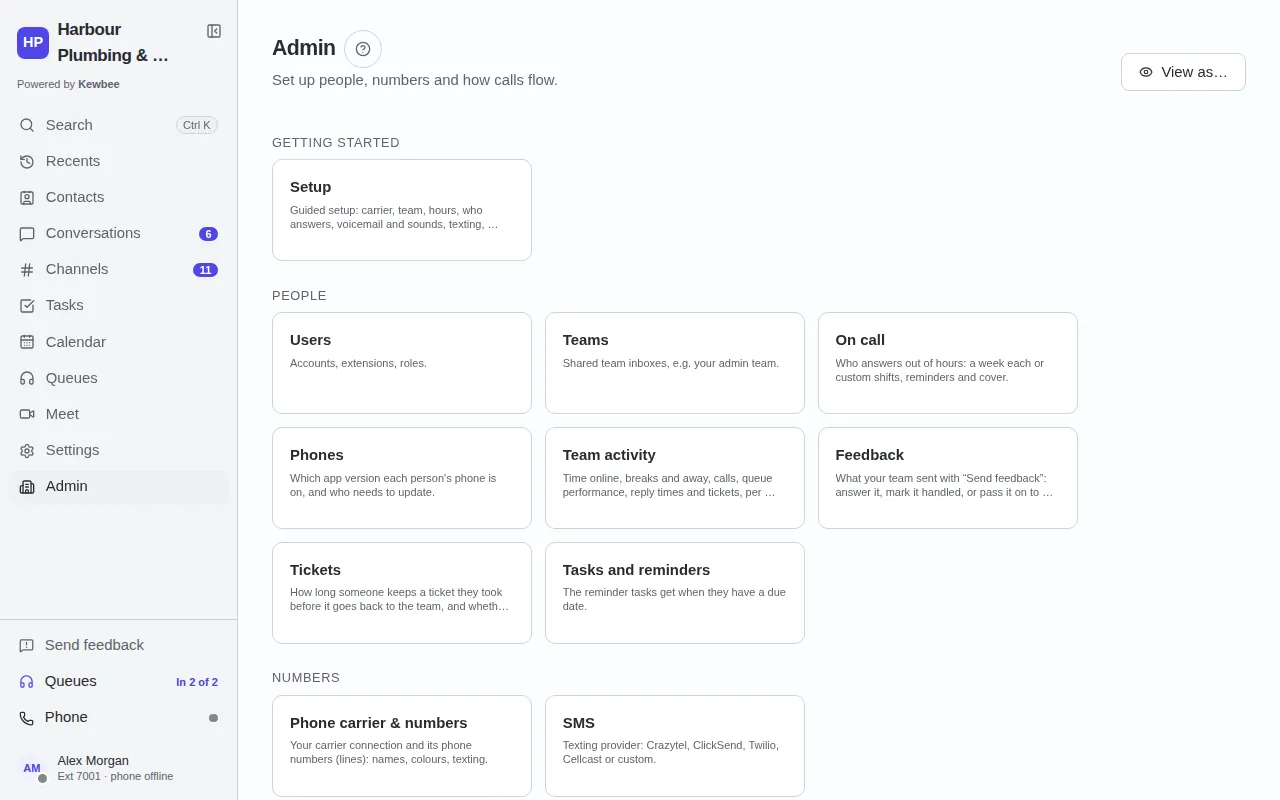
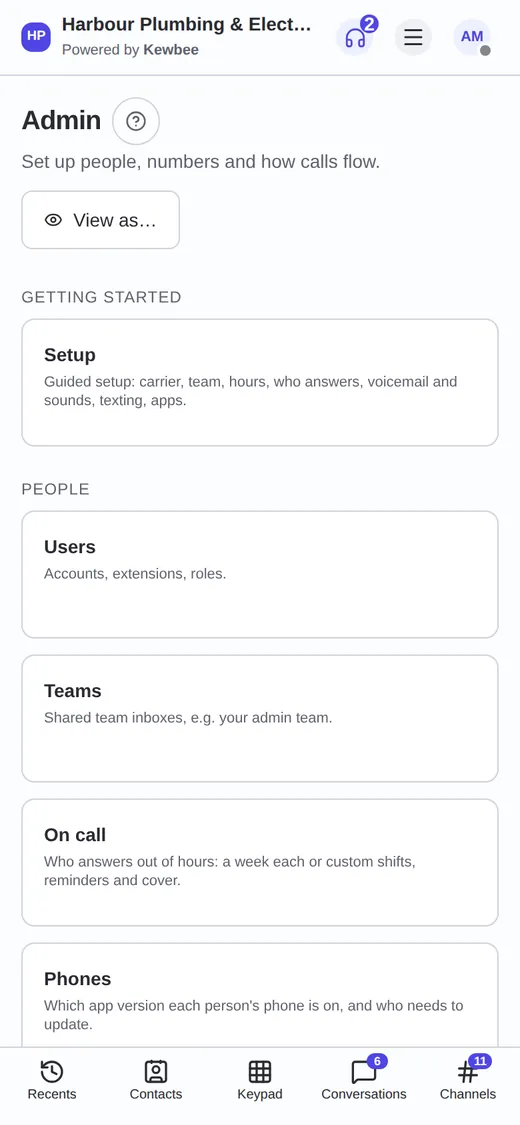
Owners and admins manage people. Each person has a seat that decides which parts of the product they use, and teams keep work with the right people.
Two-factor sign-in
People can protect their sign-in with an authenticator app, and owners can require it for everyone.
Audit log
Admins can see who changed what, and when.
Locked conversations
Admins can lock a conversation so only chosen people can read it.
Your own branding
Your logo, name and colours in the app and in website chat. Depends on your plan.
Recording is off until you turn it on
Call recording and transcription start switched off, and you decide when to use them.
Mobile apps
Same inbox, same tickets, same people, on the desk and in the van.
Web app
Everything in the browser, nothing to install.
Android app
Calls, texts, push notifications and the full inbox, with updates over the air. Download page.
iOS app Coming soon
The iPhone app will arrive first as a TestFlight beta. It cannot be installed yet.
See it
Real screens from Kewbee on the web and on a phone, with made-up customers.
The shared inbox
Calls and call-backs
Contacts
Calendar
Tasks
Admin hub
Which features does my plan have?
Some features depend on your plan and your seat. See plans and pricing.
Register your interest
Kewbee is coming soon and is not open for sign-ups yet. Tell us you are interested and we will email you when it opens. Already have an organisation? Sign in.